
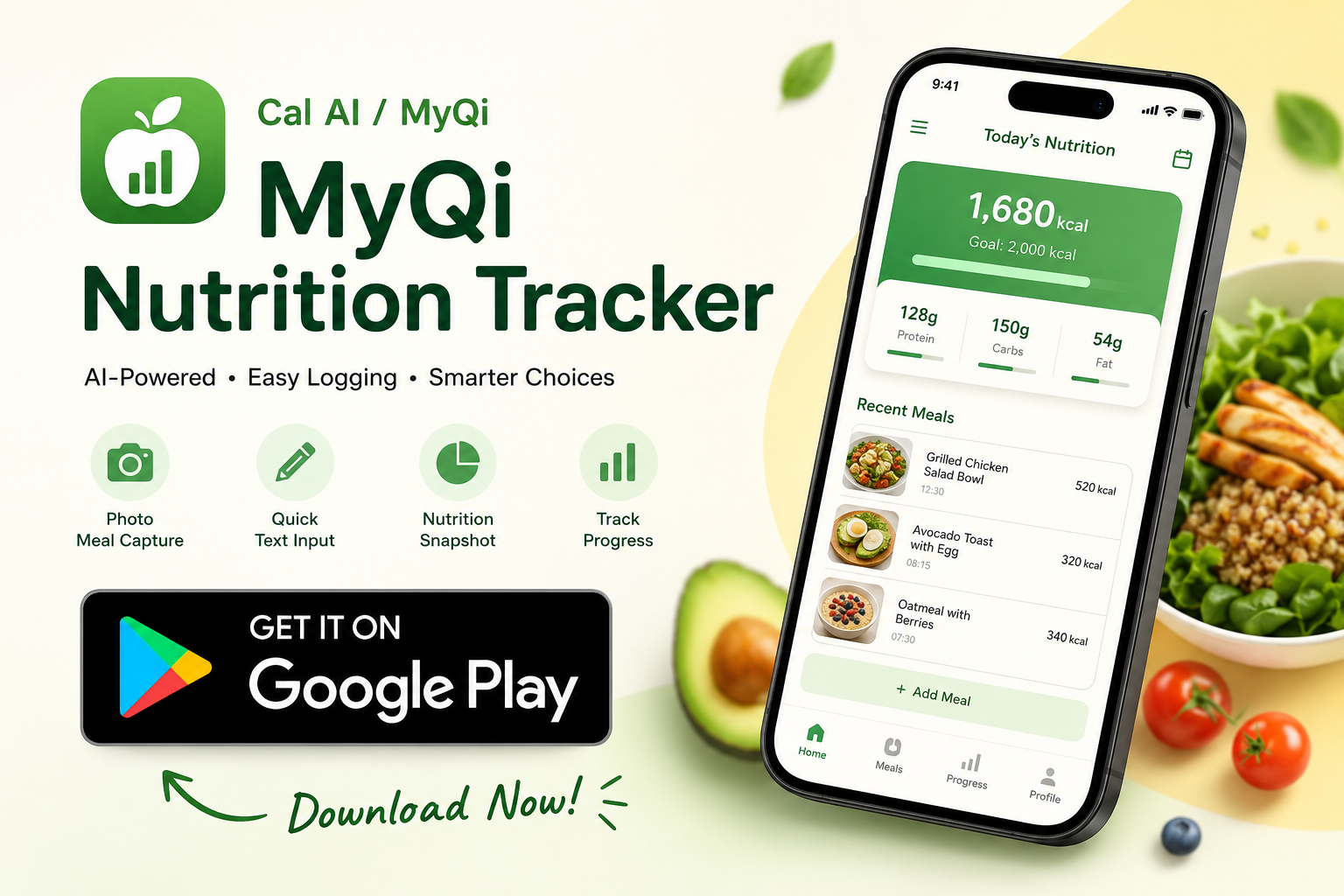
Photo meal capture
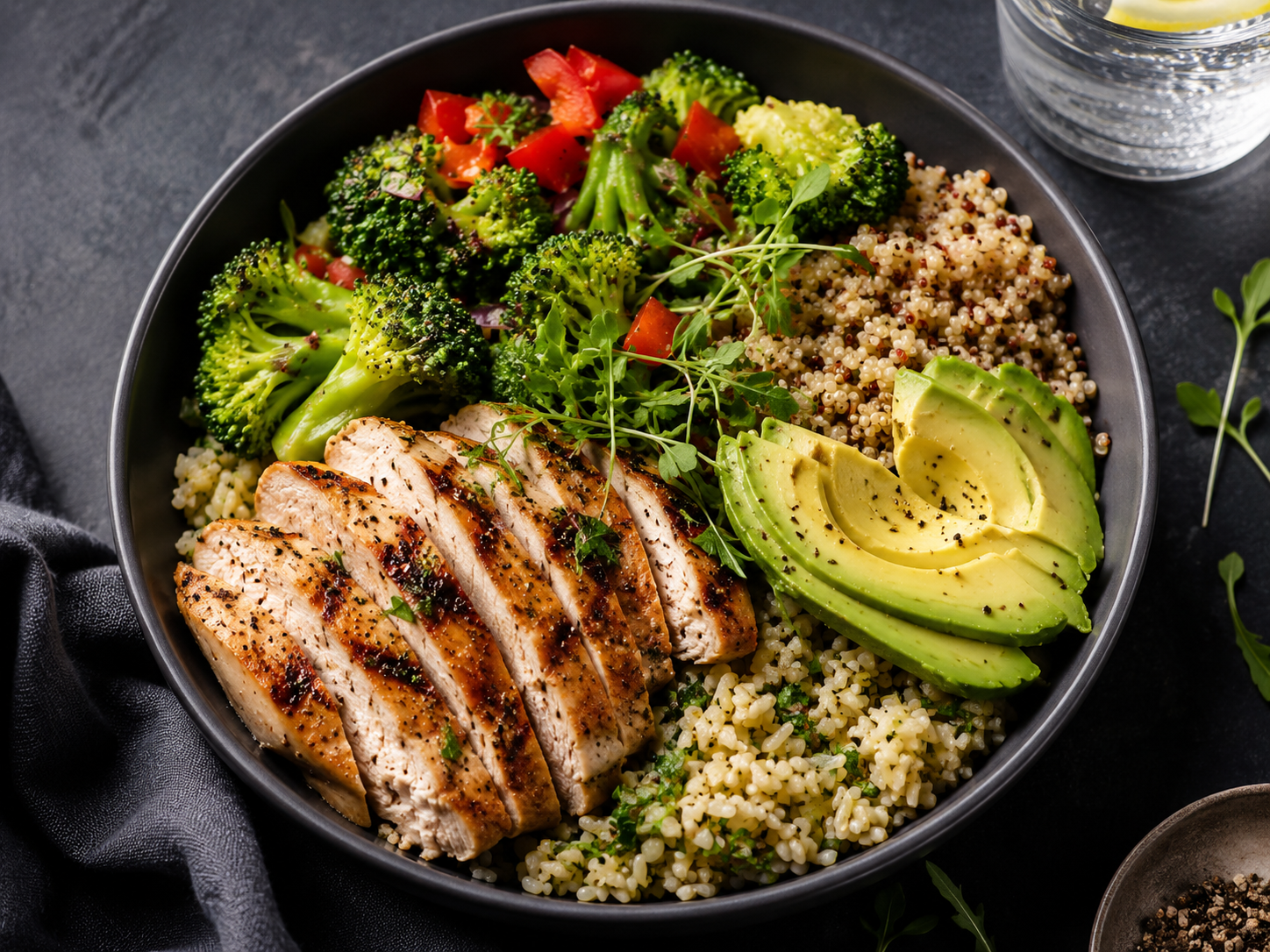
Log a meal with AI-assisted image recognition.
Cal AI / MyQi
Track meals faster with AI-assisted logging, text input, and a clean daily nutrition view that stays focused on real use instead of app-store filler.
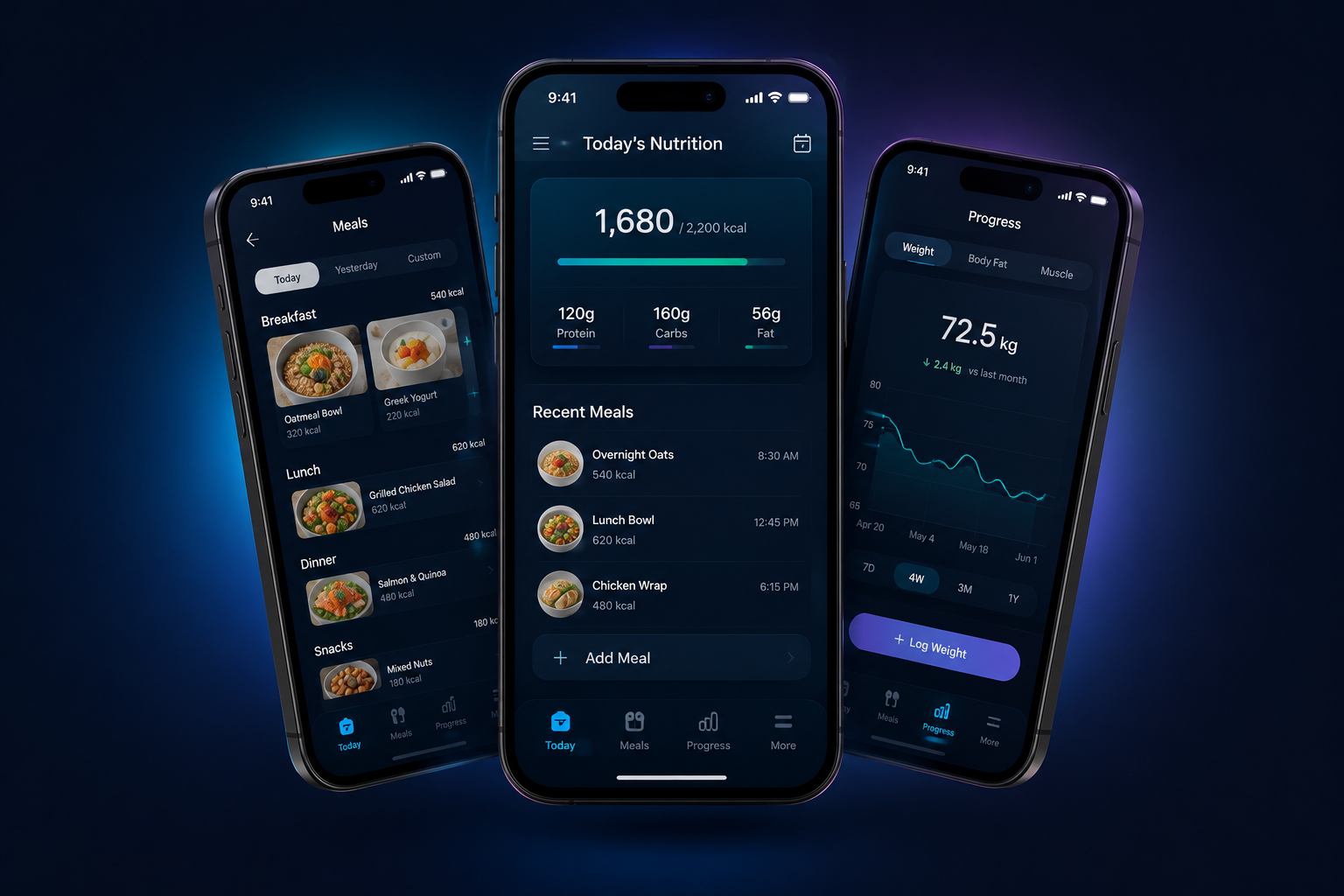
Each feature stays readable, product-focused, and ready to swap from placeholder art to final assets.
Log a meal with AI-assisted image recognition.
Type food details when you want a fast manual entry.

View calories, protein, carbs, and fat in one place.
Track progress patterns and recurring habits over time.
Keep body-weight history close to your nutrition routine.

Reuse favorite entries to make daily logging lighter.
The flow explains how the app works without turning the page into a screenshot collage.

Start with a photo or a quick text entry for the food you just had.

The app turns the entry into a clean nutrition record and summary.
See how your daily habits build into a weekly nutrition picture.
Premium unlocks richer coaching, stronger weekly analysis, and a more complete view of health progress. Download MyQi on Google Play to start logging and upgrade when you are ready.
Get it on Google Play

MyQi Nutrition Tracker is available on Google Play. Support pages keep privacy, terms, and help visible so you know how your data is handled before and after you start tracking.
Simple guides to help you understand calories, nutrition basics, and food logging.
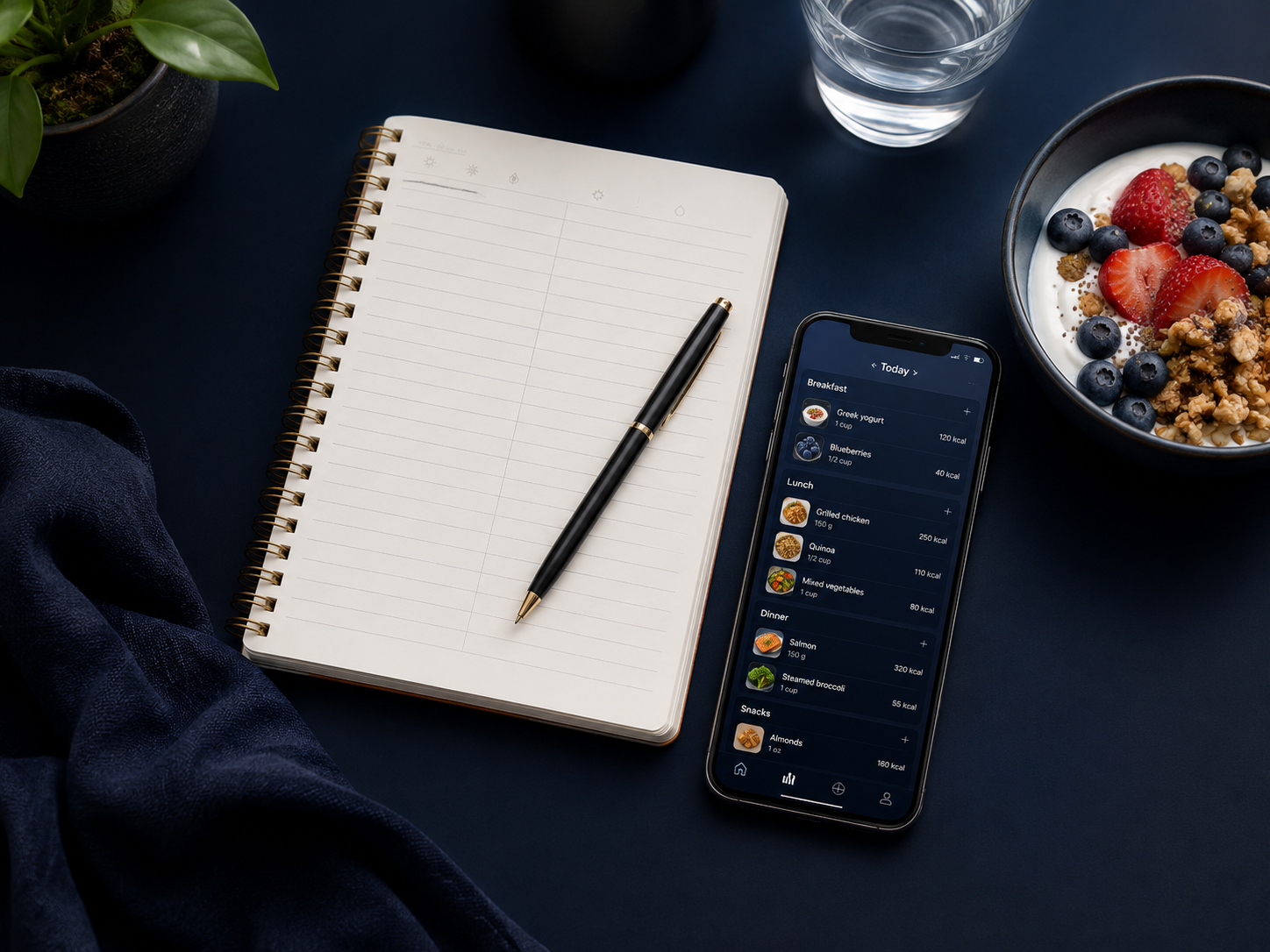
Most people do not stop tracking food because they forgot how. They stop because the routine became too demanding.
Calorie balance describes the relationship between the energy you take in through food and drinks and the energy your body uses. It is an important part of weight change, but it is not a promise that the scale will move by the same amount e
A meal photo may look harmless, but it can contain more information than the food on the plate. A face, location clue, receipt, medication label, work badge, or home interior may appear in the background.